
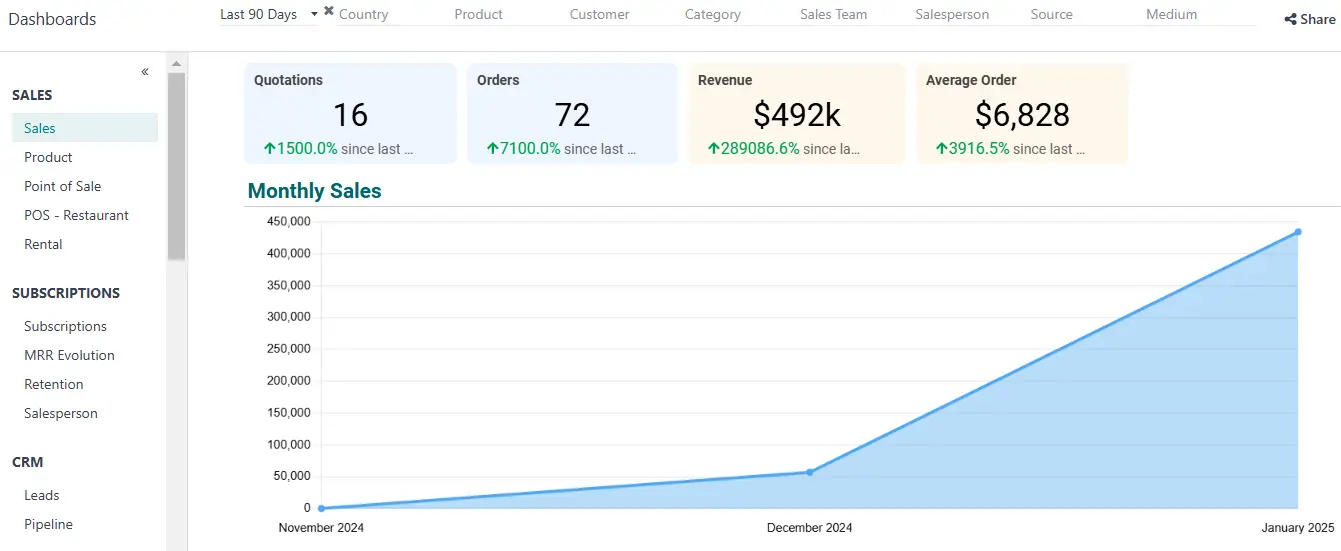
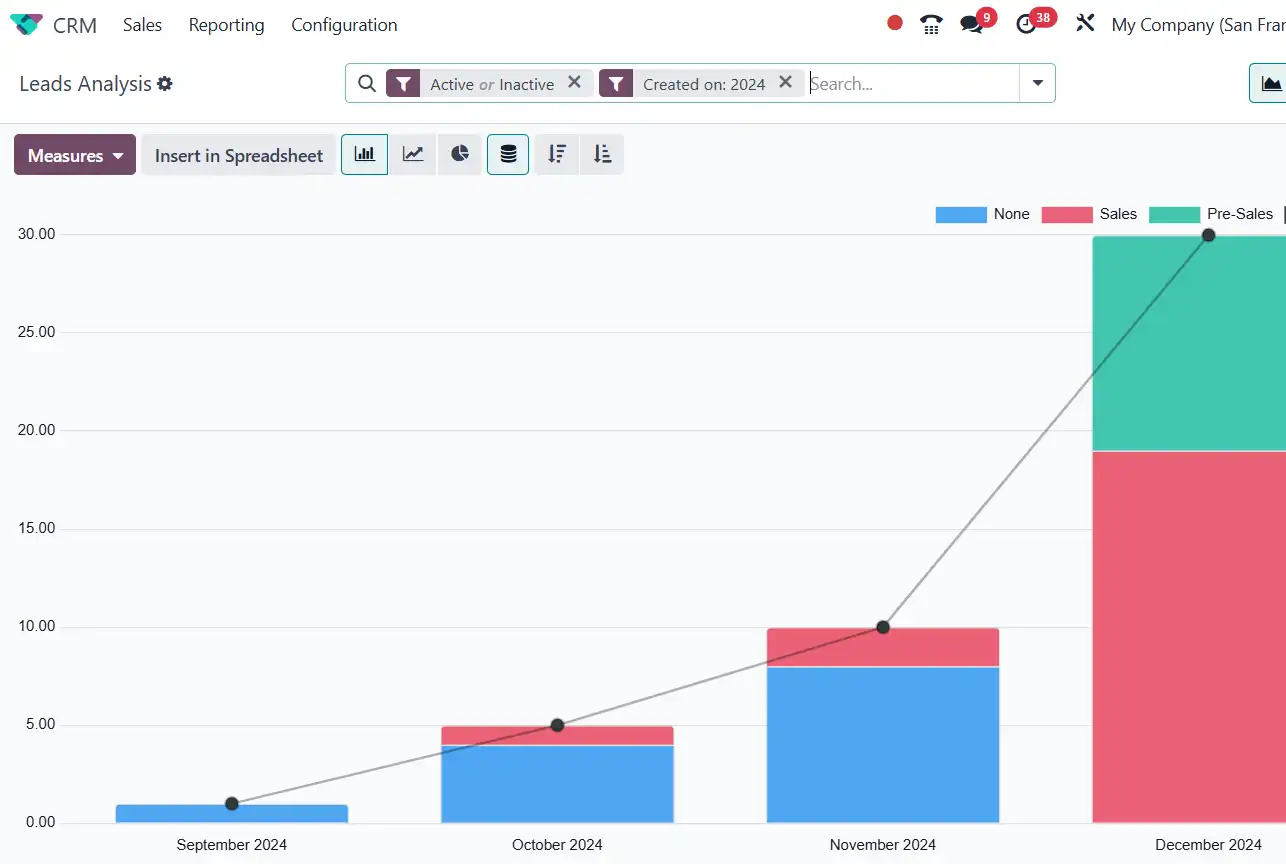
Bar, line and pie charts of any report. Bar and line charts can be stacked, and line charts can show a running total.
Spot trends over months and compare categories at a glance.
Break numbers down by rows and columns, add sub-groups, flip the axes and sort by any measure.
Answer questions like sales by salesperson and month in one table.
Pick what to add up, keep only the records you need, and group them by any field, like date or customer.
The same report answers many questions without building a new one.
Financial reports have a Comparison filter that puts periods side by side.
See this quarter against last quarter, or this year against last year.
Export financial reports to PDF or XLSX, and download any pivot table as an Excel file.
Share figures with your auditor or bank in the format they ask for.
Insert a pivot or graph into Odoo Spreadsheet and build dashboards on live data.
Managers get one screen with the numbers they check every week.
A snapshot of your assets, liabilities and equity on a given date.
What do we own and owe today?Your net income for the period: revenue minus expenses.
Did we make money this quarter?How cash moved, split into operating, investing and financing activities.
Where did our cash go?Every transaction on every account for the dates you pick.
Which entries make up this balance?Customer invoices still waiting for payment, sorted by how late they are.
Who owes us, and since when?Bills, credit notes and overpayments you still owe suppliers, and for how long.
Which suppliers do we pay first?Key ratios on one screen, from gross and net profit margin to debtor and creditor days.
How healthy is the business overall?Net and tax amounts for every tax, grouped as sales or purchases.
How much tax do we declare?Every change to accounting fields: who made it, when, and the old and new value.
Who changed this entry?
Local reports. Your country’s localization package adds local reports, such as tax returns. In Lebanon we also set up Lebanese payroll, see our Lebanese payroll page.
Custom reports. In developer mode, Accounting reports can be edited or built from scratch with your own lines and formulas.
The Executive Summary shows these ratios:

 Financial Reports PercentageAdds a column with each line’s share of its section total.View on the Odoo App Store ↗
 Financial Report SchedulerEmails reports like P&L and cash flow on a schedule, as PDF or Excel.View on the Odoo App Store ↗Aged Receivable Report EnhancementAdds sales team, salesperson and customer industry columns to the aged receivable report.View on the Odoo App Store ↗Product Cost Variance (AVCO)Compares average cost movement over a period with the last purchase price.View on the Odoo App Store ↗Purchase Price VarianceCompares each purchase line with the average cost and the previous purchase price.View on the Odoo App Store ↗Company Logo on Tax ReportsPrints your company logo on exported PDF tax and financial reports.View on the Odoo App Store ↗
See all of them on our Odoo apps page, or read about our advanced inventory reports.