
For distributors and wholesalers that have outgrown spreadsheets and separate systems. Odoo connects your warehouses and sales orders with your purchasing and accounts.
AzkaTech has set up Odoo for distributors like Sodis-Mad CI and Wakilni, and stays with your team after go-live.
Official Odoo Gold Partner. Implementing Odoo since 2015.





Who it’s for
Companies that buy in bulk and supply shops and other businesses.
Companies that bring in brands and sell them through dealers and showrooms.
Distributors that deliver fast-moving goods to shops and restaurants.
Operators that store goods for clients and deliver their orders.
The problem
The system says an item is in stock, but the shelf is empty when the order is picked.
Each customer has a special price, and only the salesperson knows it.
Freight and customs are left out of the product cost, so the margin looks better than it is.
Each branch sells on its own system, and head office sees the numbers late.
01 · Stock across warehouses
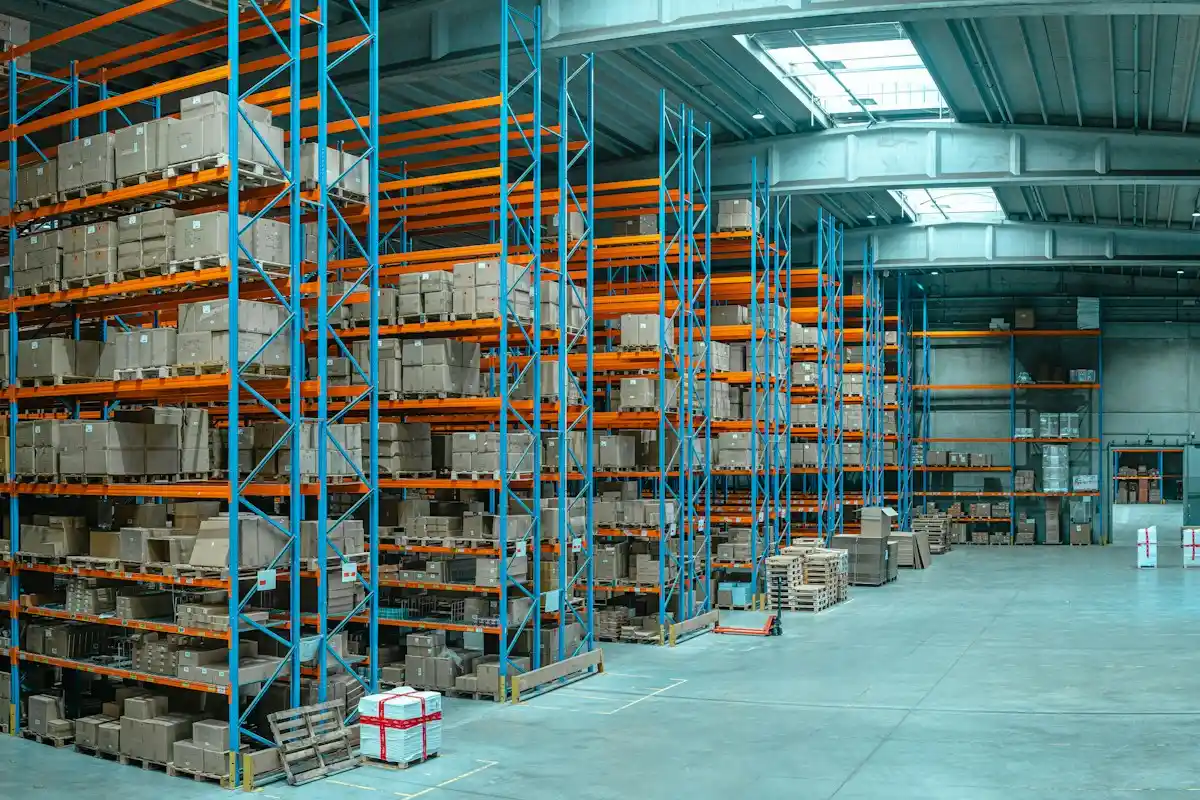
A distributor’s promise to a customer depends on stock. When every warehouse and branch keeps its own count, sales promise goods that are not there, and transfers between branches go unrecorded.
Odoo keeps every warehouse and branch in one system, and every stock movement is scanned as it happens. When a salesperson takes an order, they see what is available and where. Stock counts are checked against the same records.
Sodis-Mad CI runs more than 14 stores in Côte d’Ivoire. With AzkaTech, stock movements between its warehouses and branches are now tracked in real time.
Example. The main warehouse shows 120 cartons, and 30 are already reserved for a confirmed order. Sales sees 90 available to promise, not 120.
Who it’s for
Warehouse managers and sales teams.
Outcome
Sales promise only what the warehouse can ship.

02 · Prices and credit
Distributors rarely sell at one price. Each customer has agreed prices and discounts for larger quantities, and many buy on credit. When that lives in a spreadsheet, orders go out at the wrong price, or to a customer who already owes too much.
In Odoo, each customer or customer group has its own price list, with lower prices for larger quantities. The right price fills in when the order is entered. If the customer is over their credit limit, the salesperson is warned before the order is confirmed.
For Brescia Middle East, AzkaTech brought B2B selling and import and export work into one Odoo.
Example. A customer has a $20,000 credit limit and already owes $18,500. A new $3,000 order is flagged before it’s confirmed, so finance decides before the goods leave.
Who it’s for
Sales managers and credit controllers.
Outcome
Every order goes out at the agreed price, to a customer who can pay.
03 · Import costs and purchasing
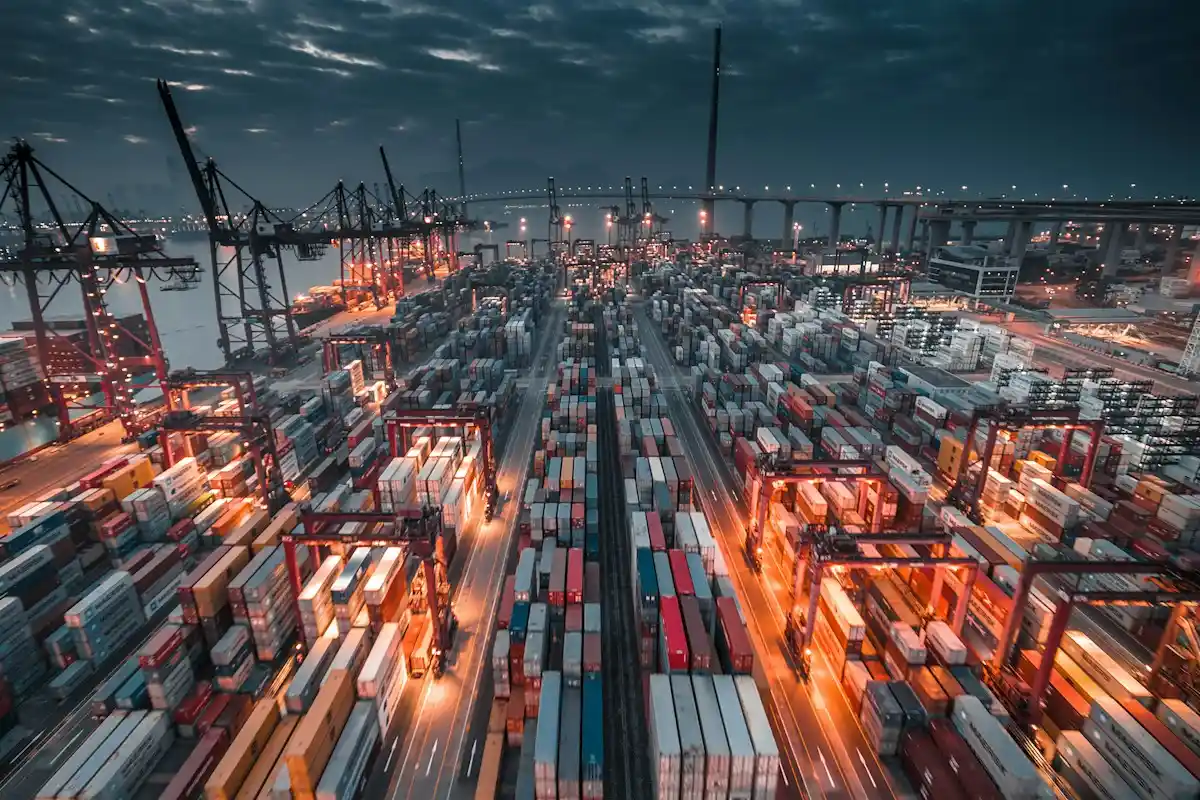
The supplier’s price is only part of what a product costs you. Freight and customs fees arrive on separate bills, often weeks later. If they are left out, the margin on every sale is overstated.
Odoo adds freight and customs to the cost of the shipment they belong to, and splits them across its products. The cost you see on each item is what it took to land it in your warehouse. Purchasing then reorders based on what has actually been selling.
At Sodis-Mad CI, purchasing in Odoo includes landed costs, and the history of each item’s sales now guides what to buy.
Example. A shipment costs $20,000 from the supplier and $2,400 in freight and customs. With landed costs, every product in it costs 12% more in stock, and your margin report shows the truth.
Who it’s for
Purchasing and finance teams.
Outcome
You set prices knowing what each product really cost to land.
04 · Picking and delivery
In a busy warehouse, orders are picked off paper lists. The wrong item gets packed, a delivery leaves without proof it arrived, and nobody can say who handled the order.
In Odoo, pickers scan each item, so a wrong product is caught at the shelf. Several orders can be grouped into one picking round. The driver collects the customer’s signature on delivery, and the invoice follows.
Wakilni, a Lebanese delivery and fulfilment company, runs its warehousing and fleet work in Odoo with AzkaTech, with stock visible for each of its clients.
Example. A picker scans the wrong item for an order and the Barcode app rejects it before the box is closed.
Who it’s for
Warehouse and delivery teams.
Outcome
Fewer wrong deliveries, and a record of who picked and delivered each order.
How it works
Branches sell on Odoo Point of Sale, using the same stock as the warehouse.
A rep takes the order on a phone at the customer’s shop, and the warehouse sees it right away.
Each company keeps its own accounts, and each branch its own cost center. Head office still sees one set of reports.
Odoo Payroll can pay a fixed salary or an amount per order. For Wakilni, driver pay is worked out on real delivery activity.
See which items move fast and which sit too long. Read about our inventory reports for Odoo.
Implementation
AzkaTech uses AI in every phase of the Odoo project, and it stays in use after go-live.
AI capability · Discovery
We walk through your purchasing, warehouse, sales and accounts with the people who run them. AI turns those notes into a clear list of what Odoo needs to cover.
AI capability · Mapping
Your processes are mapped onto Odoo in a fit-gap analysis. AI matches your products and customer price lists to Odoo and flags what is missing.
AI capability · Configuration
We build the solution with standard Odoo first. AI drafts the setup notes and a short guide for each warehouse role.
AI capability · Testing
AI prepares test cases built on your real orders and deliveries. Your team runs them in a pilot and signs off before launch.
AI capability · Governance
AI follows open issues and training progress for each warehouse and branch, so risks show up before launch day.
AI capability · Post Go-Live
After launch, AzkaTech support stays with your team. You also get a knowledge base written around your own setup.
Client proof

Case study · Wholesale and retail distributor in Côte d’Ivoire
Delivery and fulfilment company in Lebanon
Wakilni ran its HR and deliveries on spreadsheets and separate tools. AzkaTech started with HR and a payroll based on driver activity, then added warehousing and fleet operations. Read the Wakilni case study
FAQ
You record freight, customs and other import costs as a landed cost on the receipt. Odoo spreads them over the products by quantity, weight, volume or value, and the stock value and product cost go up to match.
Odoo shows a warning when an order would take a customer over the limit set on their contact. If you want it blocked until finance approves, we set up that approval step.
Yes. Price lists can be set per customer or customer group, with quantity breaks and dates, and the right one applies on every order.
Yes. The Barcode app works on scanners and phones for receipts, picking, transfers and stock counts.
Odoo has no dedicated van sales app. Each van can be its own stock location and drivers take orders on the mobile app, and distributors with heavy route sales often add a module for it.
Yes. Stock can be recorded under the client as owner, so it stays out of your own valuation. Storage and handling fees are billed through Sales.
Yes. Purchase orders, invoices and payments can each use their own currency, and Odoo posts the exchange difference when they are paid.
Odoo charges per user per month. Inventory, Barcode and Purchase are in the paid plans, and running several companies needs the Custom plan. See our Odoo pricing guide.